Signup
Create Your Free Mark360.ai Account
Welcome to Mark360.ai — your all-in-one platform for WhatsApp automation, customer engagement, and marketing. Getting started is simple. This guide will walk you through the steps to create your account and set up your business profile.
Creating an account on Mark360.ai is quick and straightforward. Follow the steps below to register your business and gain access to the full suite of features.
Signup Process
To create your account, simply fill in the following details on our signup page:
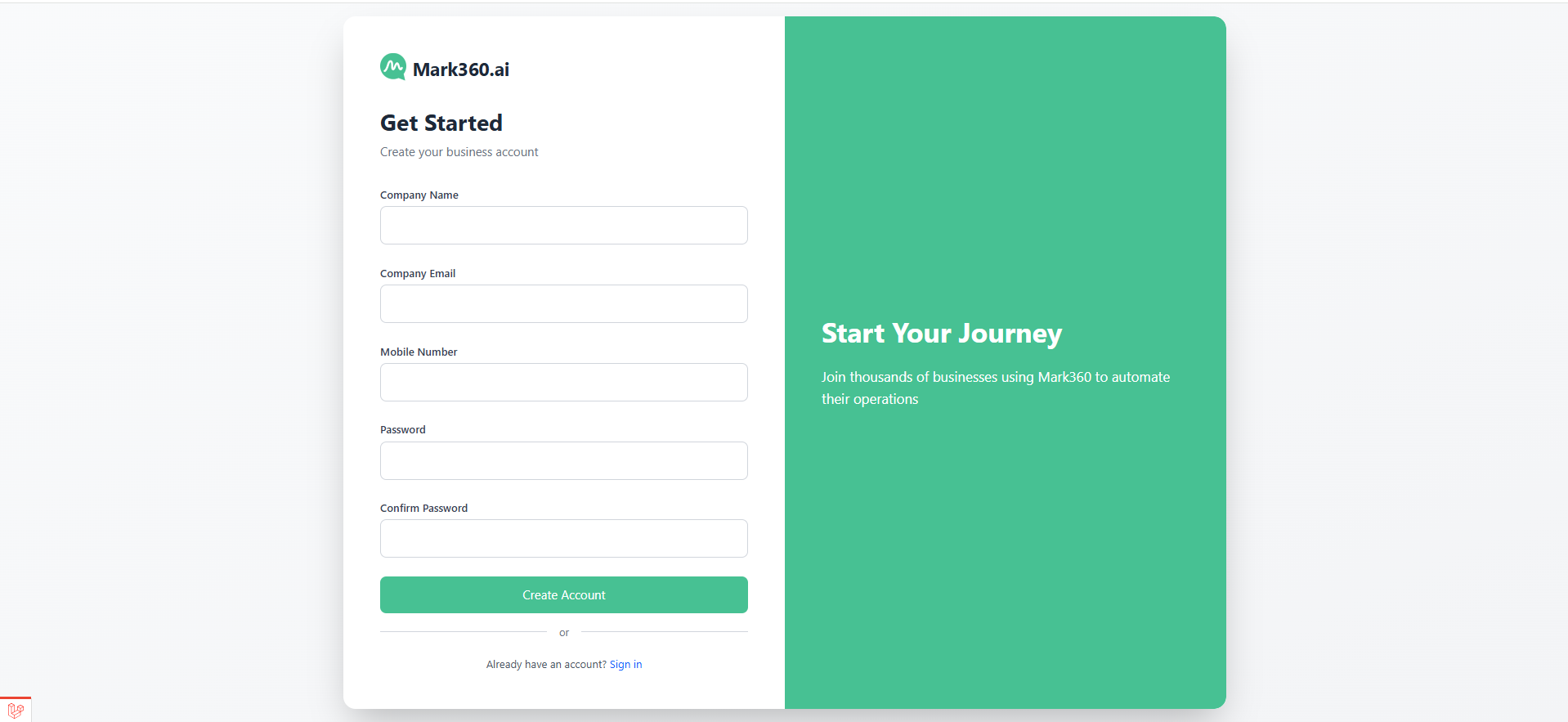
- Company Name
- Company Email Address
- Mobile Number
- Password
- Confirm Password
Please ensure that you use a valid business email address to avoid delays in onboarding or account verification.
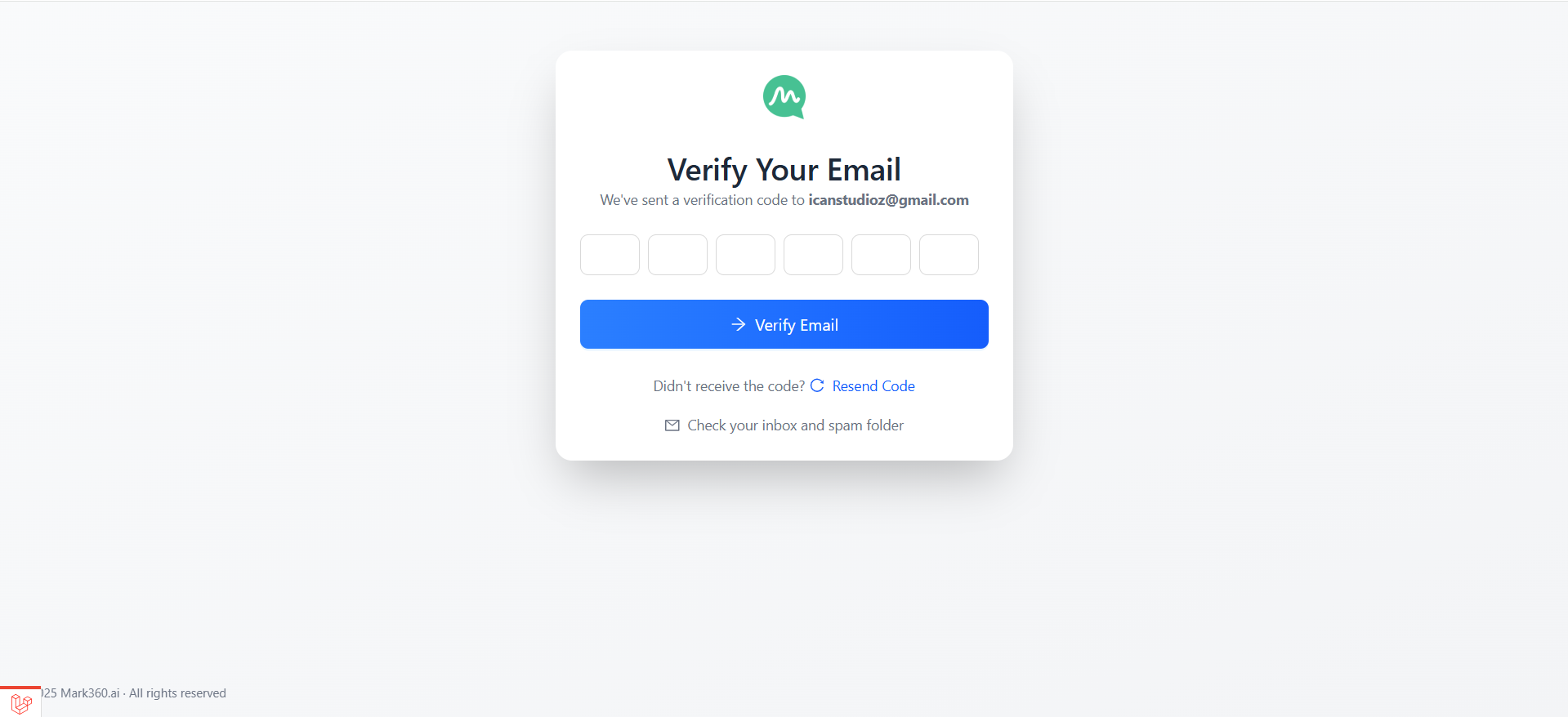
Once you've entered your details and submitted the form, you’ll receive a confirmation email or OTP to verify your email or mobile number. Complete the verification process to activate your account.
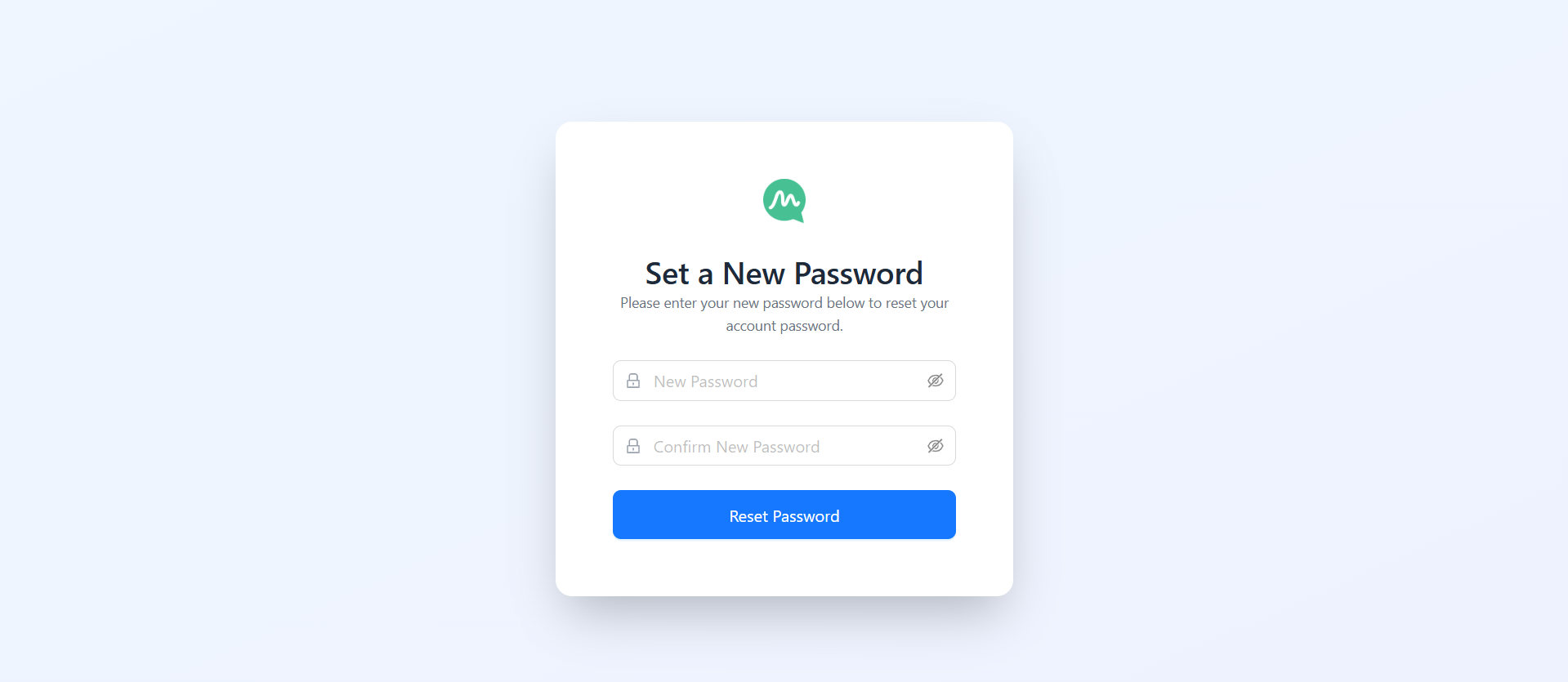
After OTP verification, you will be redirected to your change password page to set your account password.
Set Up Your Business Profile
After successful registration, you will be guided through a quick onboarding process to personalize your Mark360.ai experience.
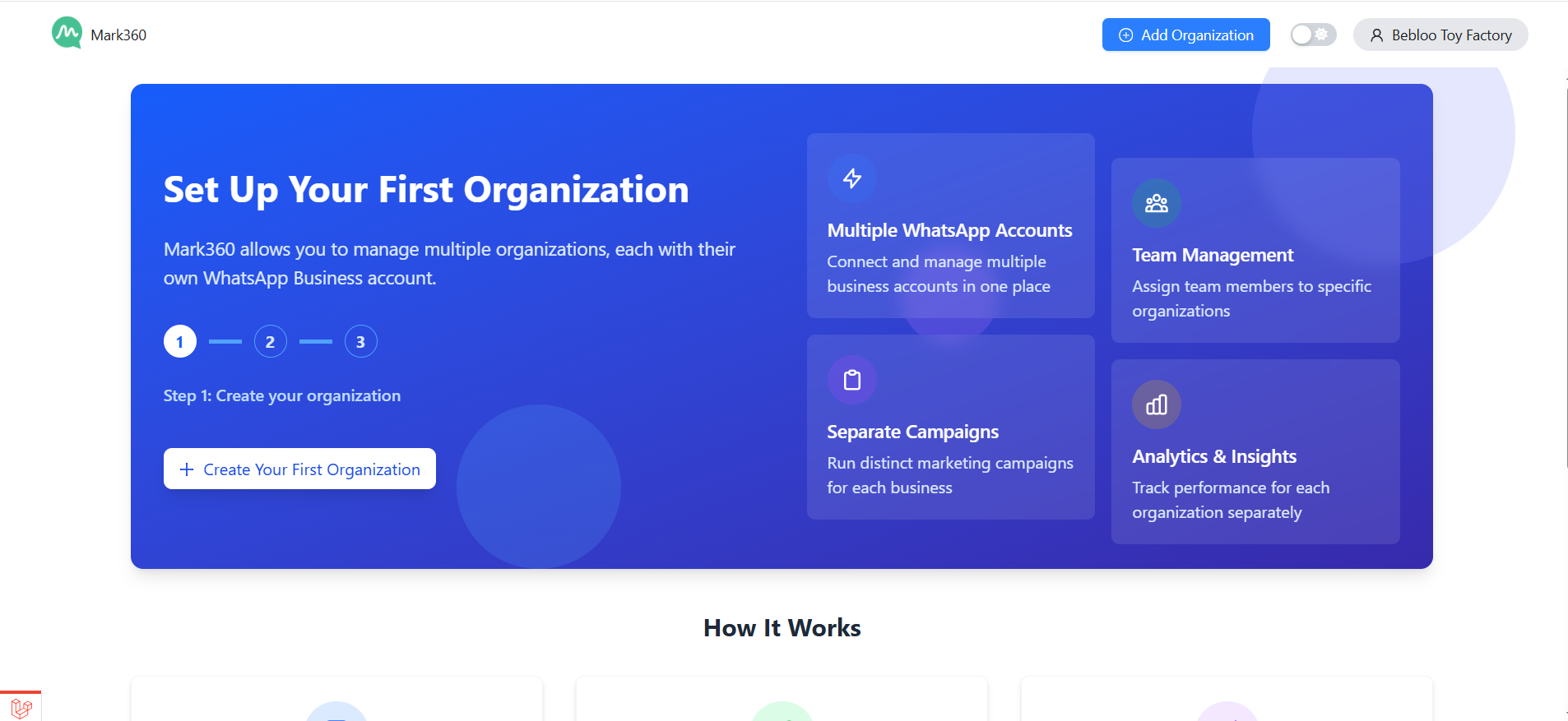
Business Information
Provide the following information to complete your profile setup:
- Business Name
- Business Website
- Country of Operation
- Primary Industry
- Your Role in the Company
Click Next once you’ve added the required details. This helps us tailor your dashboard and automation workflows based on your industry and use case.
You're All Set!
Once setup is complete, you can begin exploring all the powerful features Mark360.ai has to offer — from WhatsApp chatbot automation and broadcast campaigns to team inbox and customer segmentation.
If you need help at any point, our support team is here to assist you.
Need assistance?
Reach out to us at: support@mark360.ai
Welcome aboard, and let’s build powerful customer experiences together with Mark360.ai!