Connect Instagram Channel
In this article, you'll learn how to connect your Instagram account to your existing Mark360 account, allowing you to manage both your WhatsApp and Instagram chats in one place.
Step 1: Log into your existing mark360 account and navigate to Instagram And Click on Dashboard
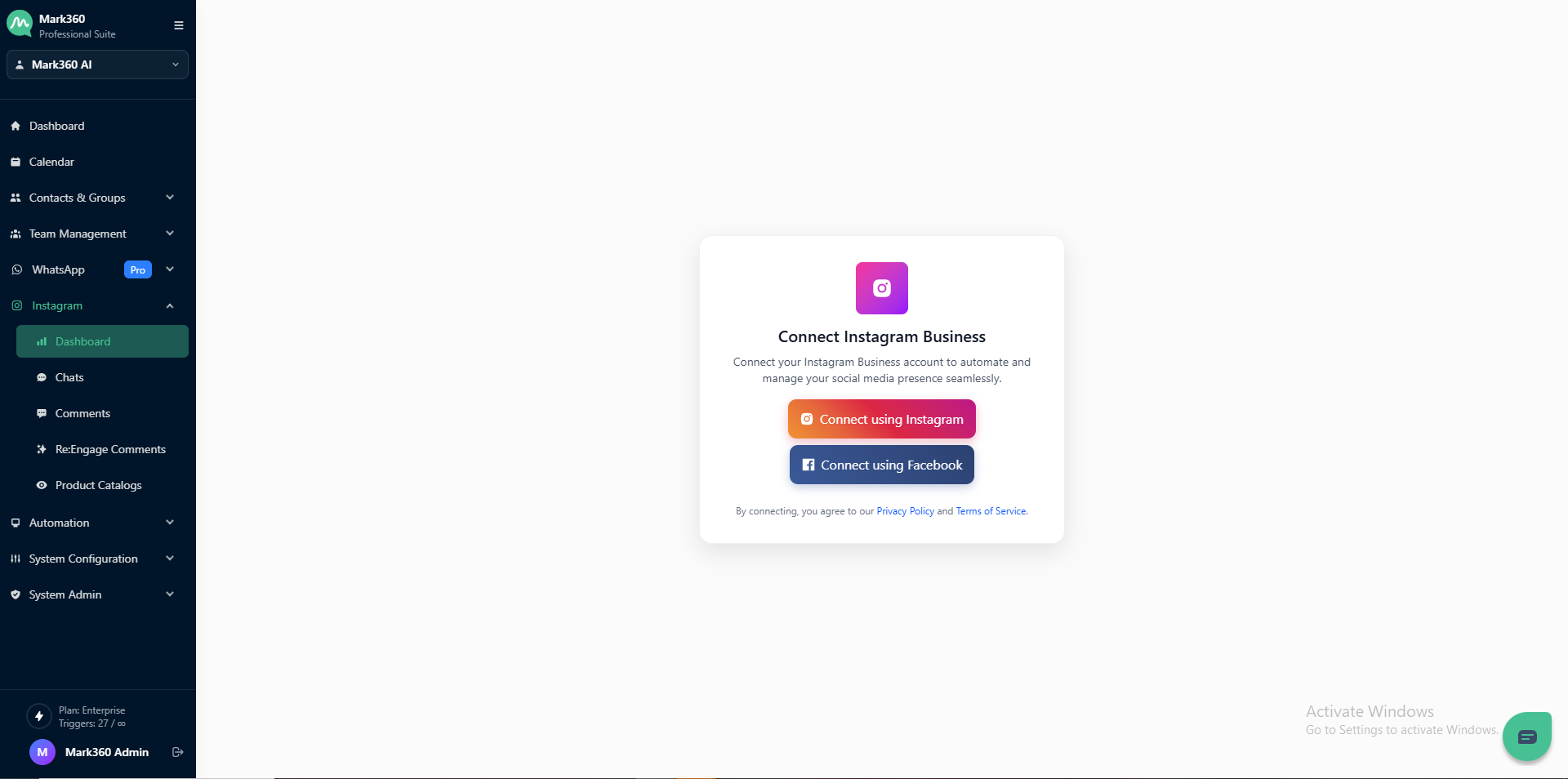
Step 2: Click on Connect Instagram to link your business account or create a new one.
After granting all necessary permissions, your Instagram channel will be connected to Mark360. Now, you're set to manage your WhatsApp and Instagram chats from a unified inbox.