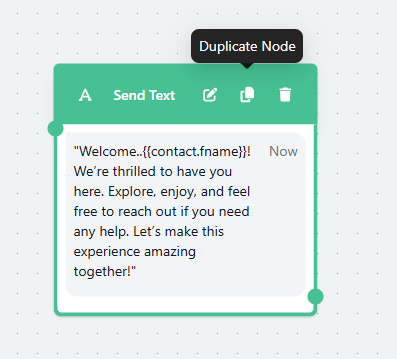
Send Text
Easily communicate with your customers using the Send Text Card. This card is perfect when you want to send messages without needing any input from the user.
With just a few clicks, you can send personalized text messages directly to your customers.
Send Text Card
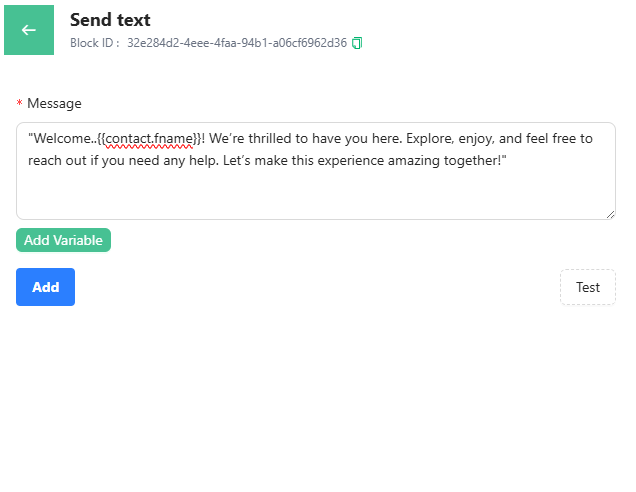
After typing your message, you have the option to customize it using variables
Use Variables
Insert information you've already collected from your customers to make your messages more personal. For example, writing "Hello, @name!" will automatically include the customer's name.
To add variables, click "Add Variables" to see a dropdown of all available fields. Quick tip: ensure the variable contains data; otherwise, it won’t display correctly.
Duplicate/Delete/Edit Send Text Card
When hovering over the card, you'll see options to:
-
Duplicate the card
-
Edit the block
-
Delete the card