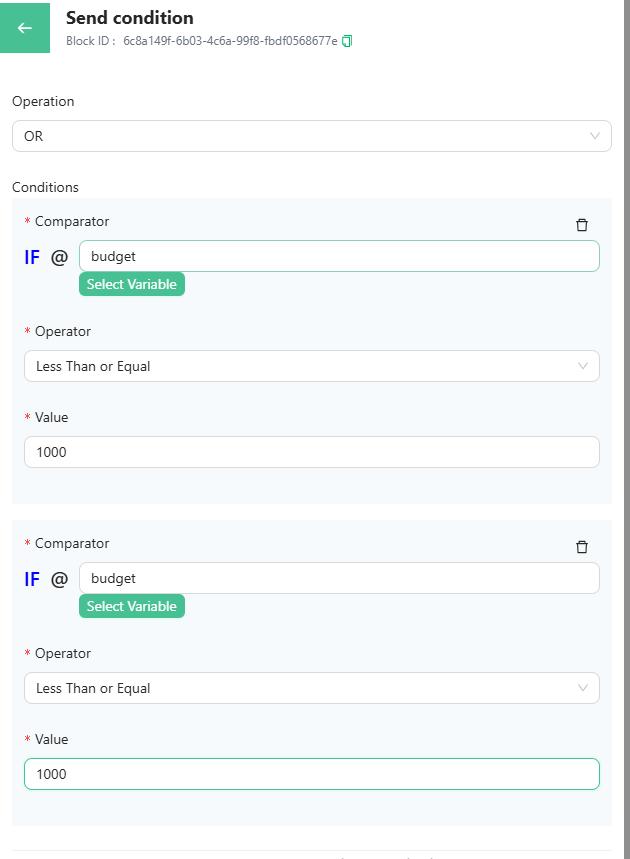
Condition
earn how to use condition logic to split your chat-flow based on specific conditions. Set up the condition block with variables, operators, and values. Use AND or OR logic to add multiple conditions.
Overview
Condition logic allows you to split the chat-flow based on the conditions you want.
Each condition logic has two outputs - On Success and On Interrupt.
Setting the Condition Block
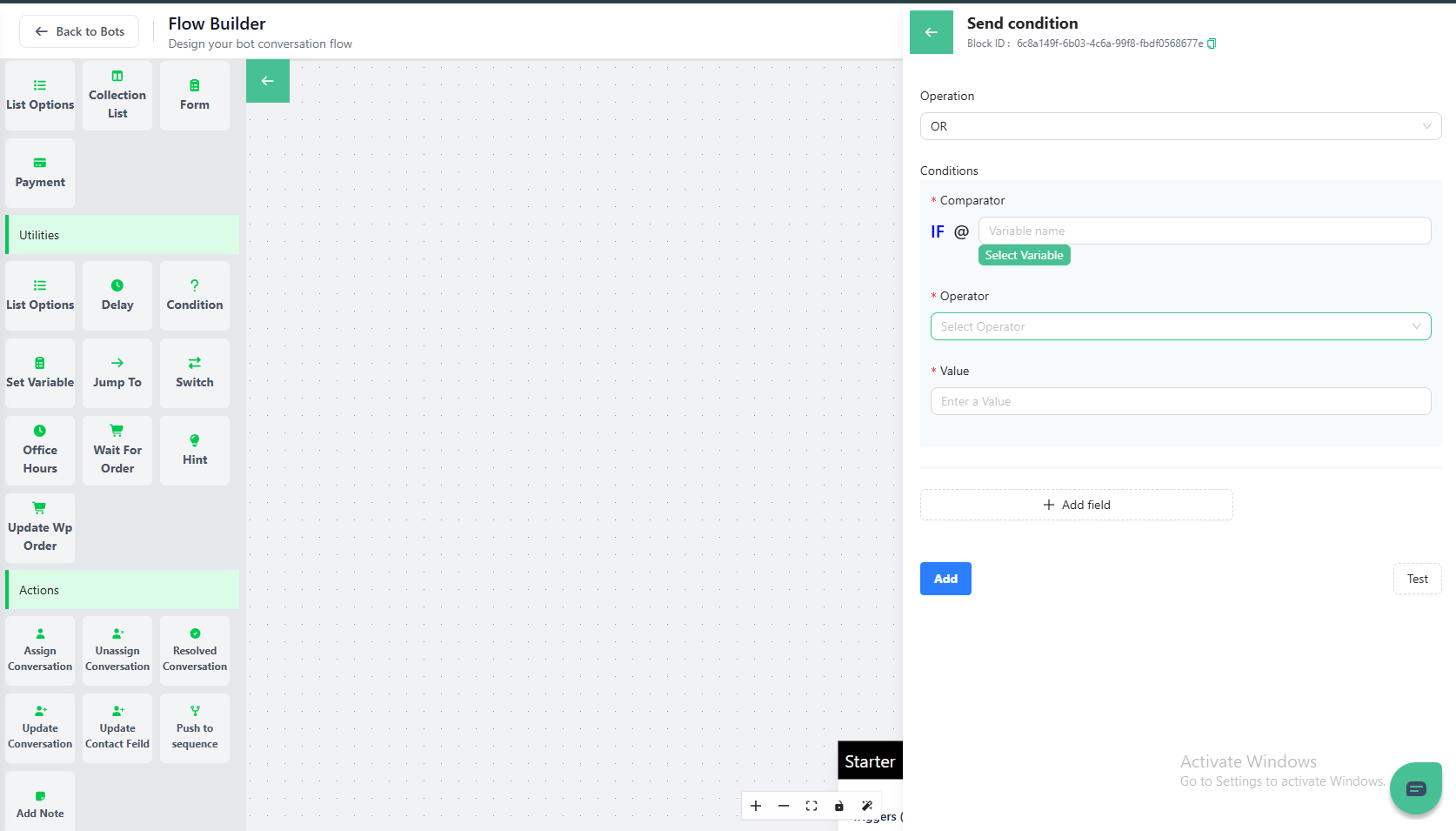
The condition card consists of Comparator (Variable), Operator (condition), the Value, and the AND & OR Logic (To add more than one condition)
In the Comparator, you have to fill the variable that is saving the user's response.

In the Operator, you have to fill the condition that will be checked.
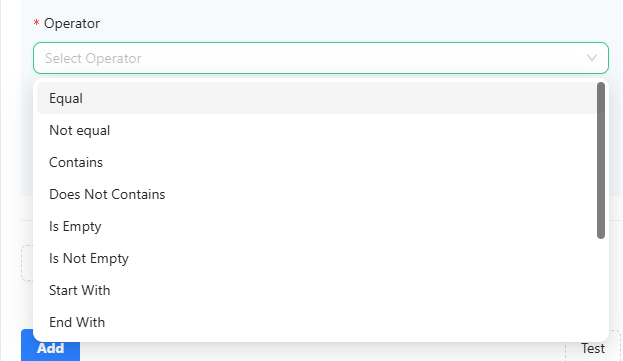
After Setting the condition, you will have to add the value that you want to check against the comparator (variable).

Using AND or OR Logic
These are used in case you want to add two or more conditions.