Export Contacts
Export your contact records from your Mark360 account. View past exports and download the processed list from your account.
To Export:
Go to Contacts & Groups on your Mark360 account and click on Contacts. Hover to Export. Click on "Export Contacts" to get your contacts list.
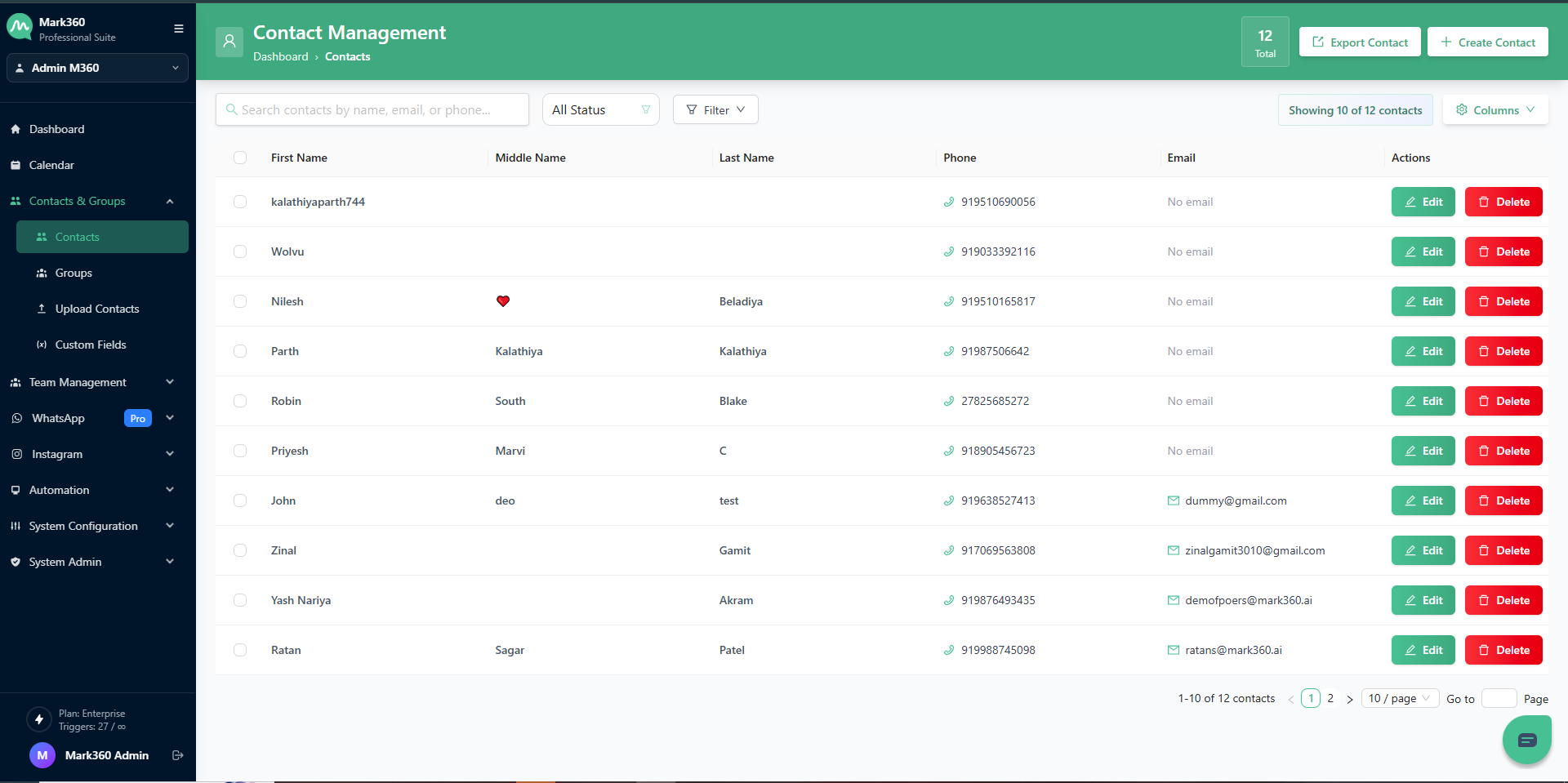
To view your contact list open the downloaded file in your local device.
