Assign Conversation
Engage customers with a more human touch using the Assign Conversation Card.
This card allows you to delegate chats to specific Users, Teams, Bots, or even the Contact Owner — ensuring every customer is connected to the right person at the right time.
Overview
The Assign Conversation card helps your agents seamlessly take control of an active chat session.
You can route the conversation dynamically to:
-
A specific agent
-
A dedicated team
-
An automated bot
-
The contact owner listed in your CRM
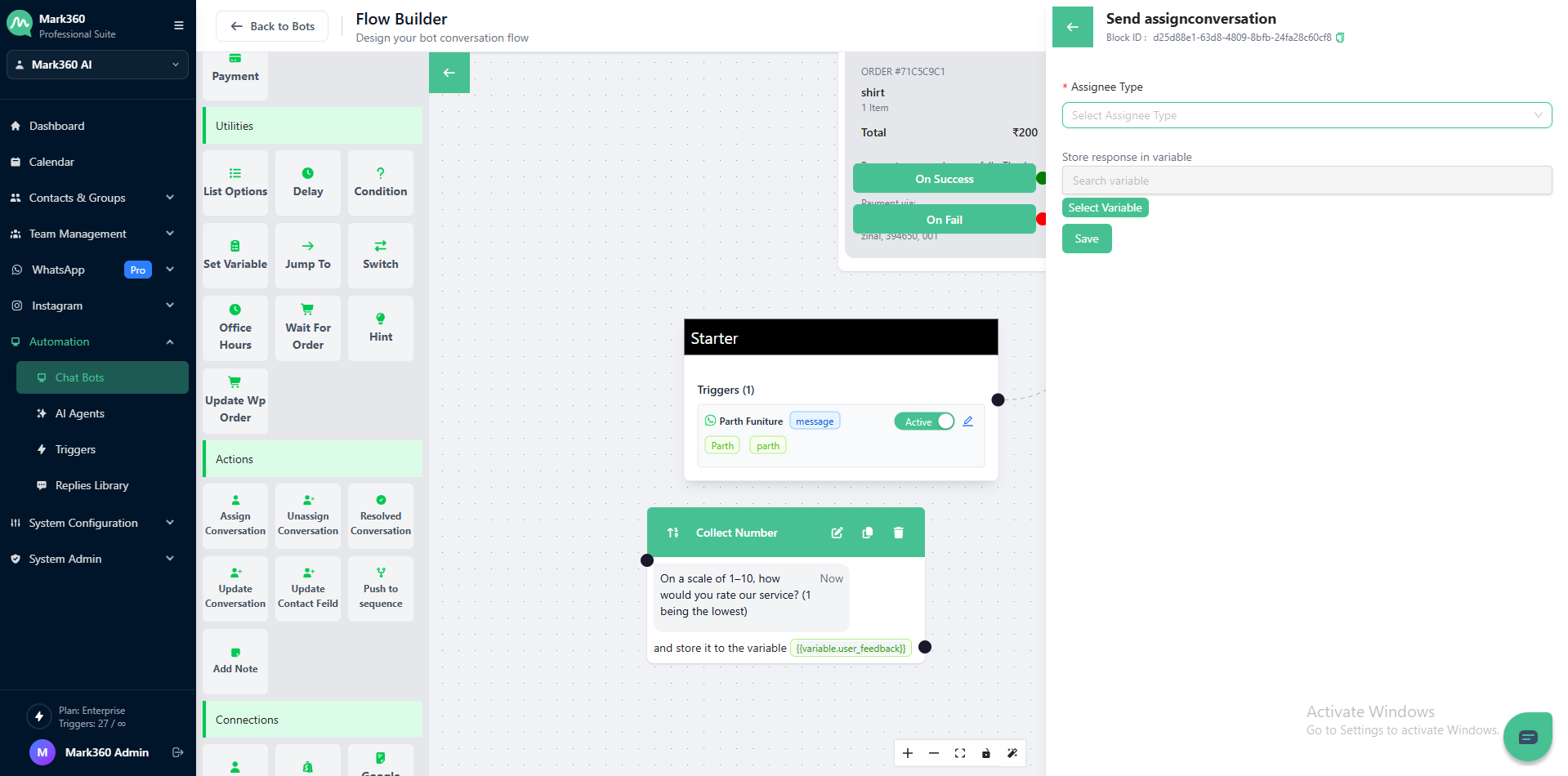
This ensures a smooth transition from automation to human support, improving engagement and resolution rates.
Assign to a agent
If you choose agent as the Assignee Type, you can manually or dynamically assign the conversation to one of the team members already added to your Mark360 account.
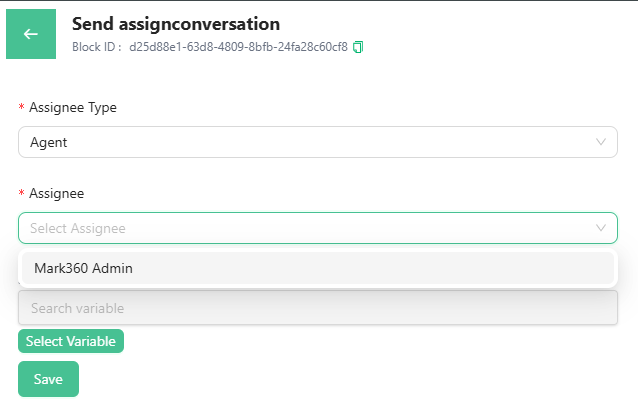
For example:
You might assign high-priority leads directly to a sales executive or a senior support agent.
Assign to a Team
Selecting Team as the Assignee Type allows you to route the conversation to a whole group instead of an individual.
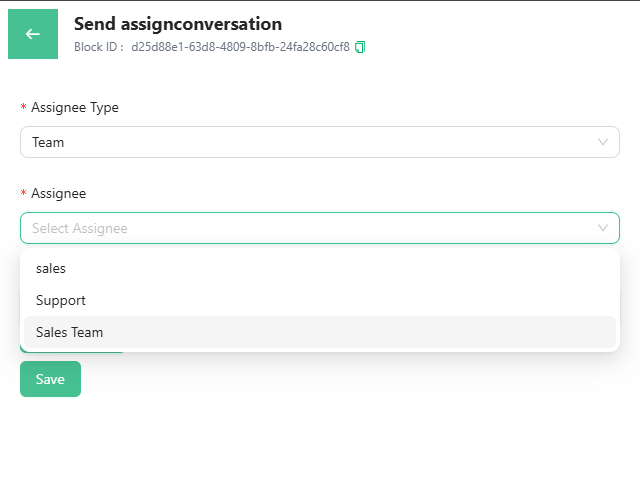
Example use case:
If your customer selects “Billing Issue,” the chat can be assigned to the Accounts Team for faster assistance.
Assign to a Bot
Choosing Bot as the Assignee Type means the conversation will be handed over to another bot that’s active within your workspace.
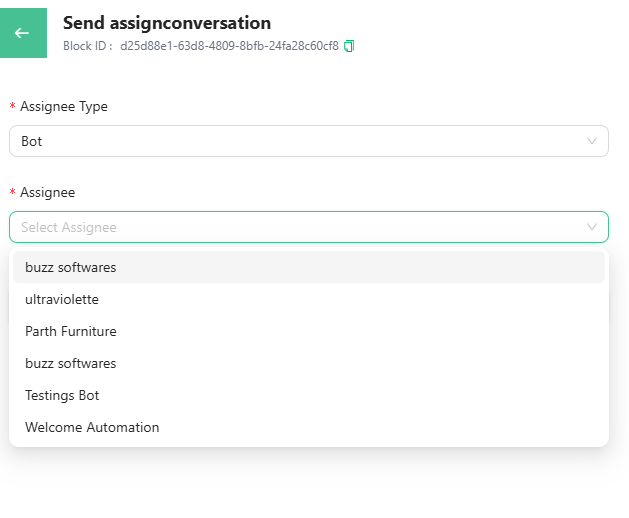
This is helpful when:
- You want to switch between different bots (e.g., from a lead generation bot to a support bot).
- You want the conversation to continue with an automated flow.
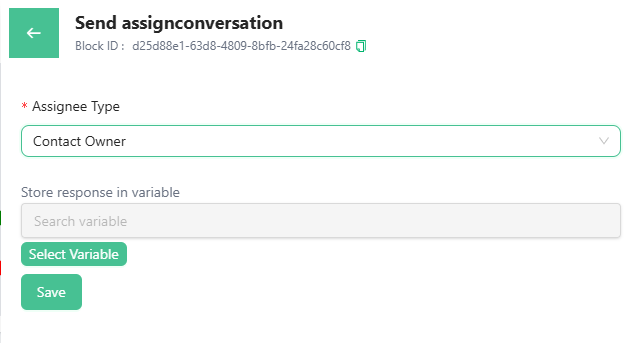
Assign to a Contact Owner
If your CRM records have designated contact owners, you can automatically assign the chat to the owner of that lead or contact.
Example:
When a returning customer messages, their chat automatically routes to the salesperson managing their account.
After Assignment
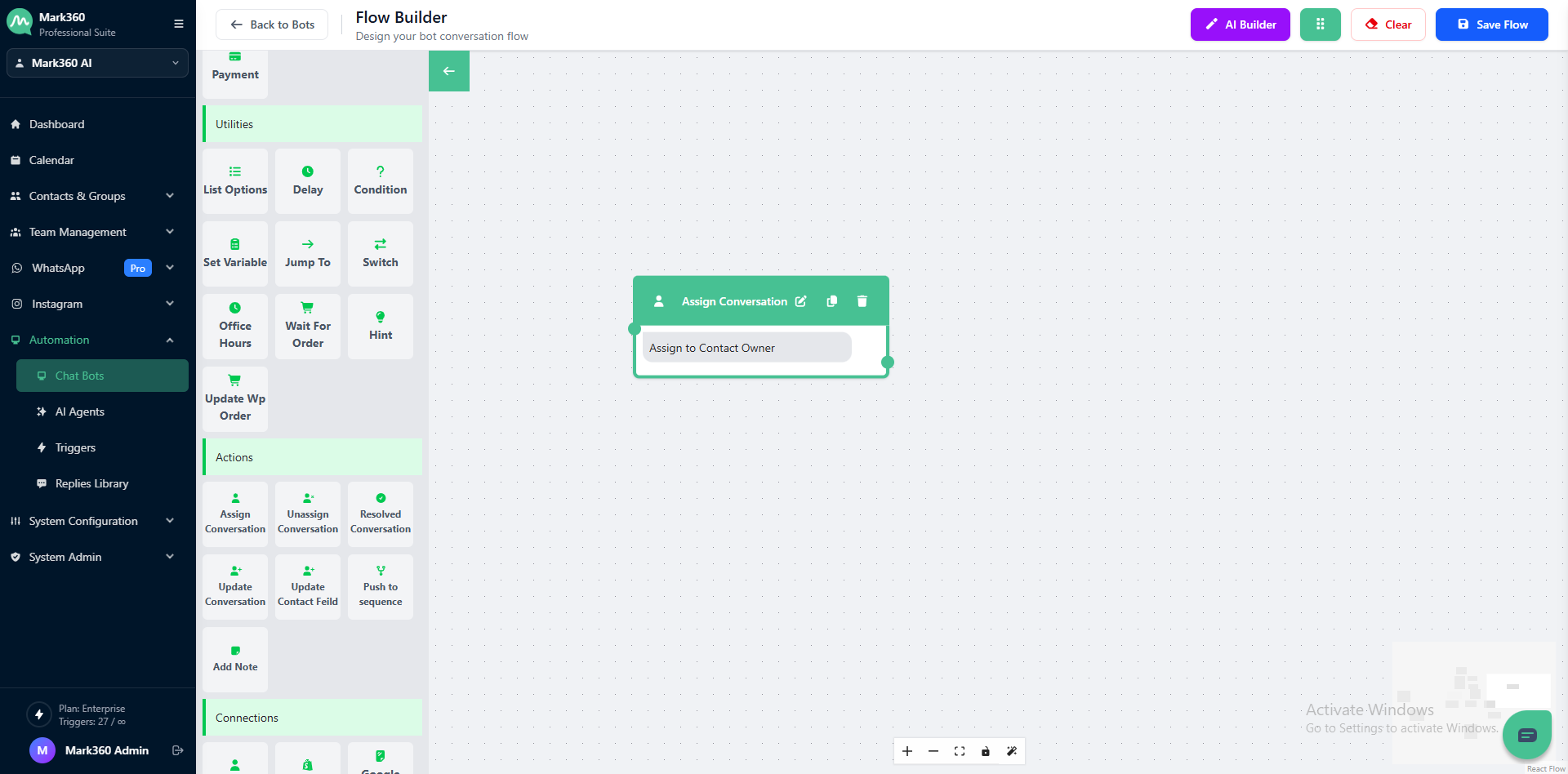
Once the Assign Conversation card is triggered, the system pauses the automation, allowing the assigned user, team, or bot to take over.
The visitor remains in the conversation thread, ready for interaction.
Store Response in Variable
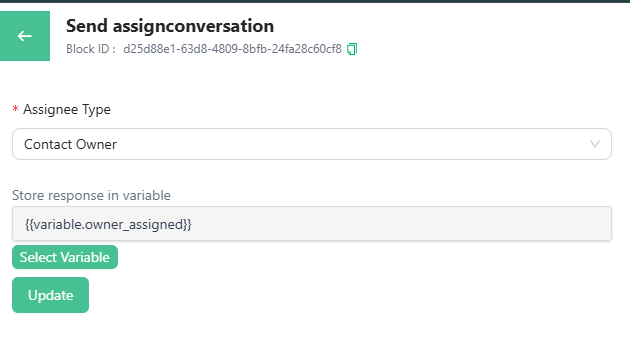
The Store Variable feature ensures accountability by storing assignment details directly within your conversation data.
You can save information such as:
- Who took over the chat
- Which team or bot handled the session
- Timestamp of assignment
This improves visibility for reporting, auditing, and CRM integrations.
Key Benefits
- Smooth transition between bot and human interaction
- Centralized tracking of conversation ownership
- Simplified reporting and performance analysis
- Personalized customer experience through targeted assignment