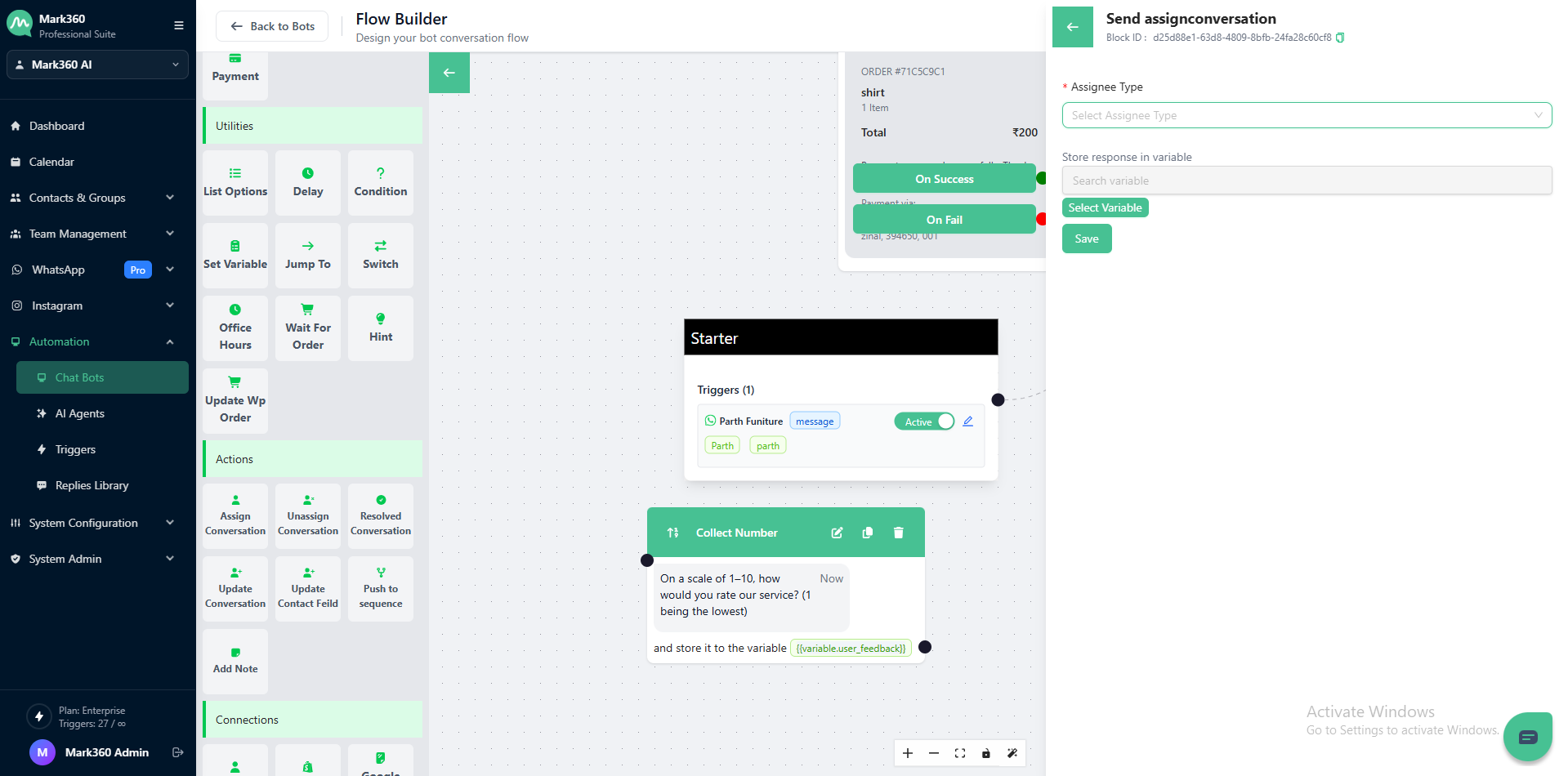
Update Contact Fields
Streamline customer communication with Mark360's contact field update feature. Opt to replace, add if empty, or append details seamlessly. Click to find out more!
This card can be used to Update the Contact fields that you ask from your customers like their name, contact number, email, their availability, or any instruction they have given.
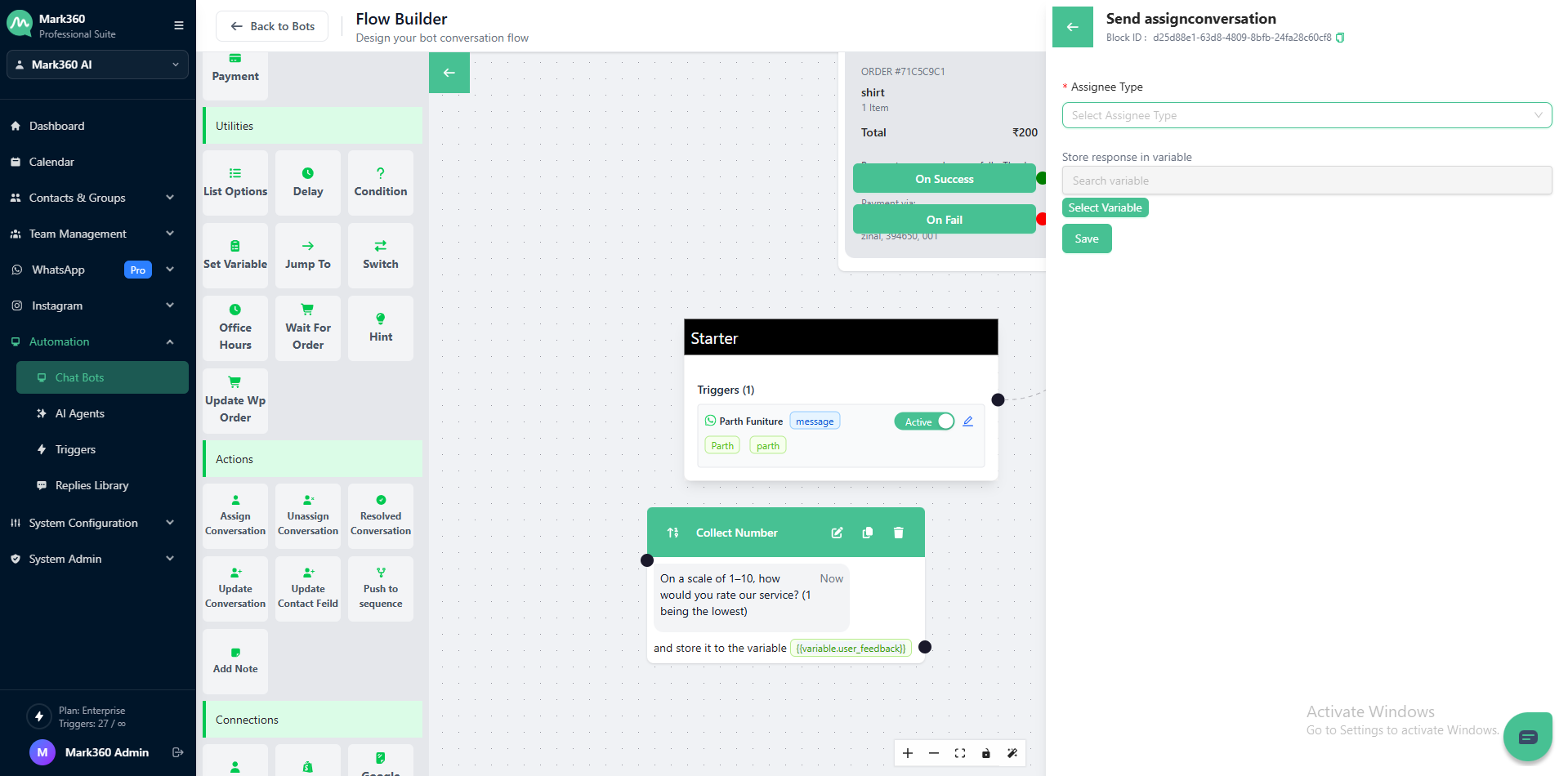
After choosing the field that you would like to update and the value for the field, you have to select the operation in some cases:
-> Choose Replace, if you want to update the previous contact details with new details.
-> Choose Add if Empty, to add the contact details to a particular contact.
-> Choose Append, if you want to add more to the details.