Update Conversation Fields
Keep your chat workspace organized and efficient with the Conversation Tag card.
This card allows you to update or remove tags from ongoing conversations — helping your team manage chat flows more effectively.
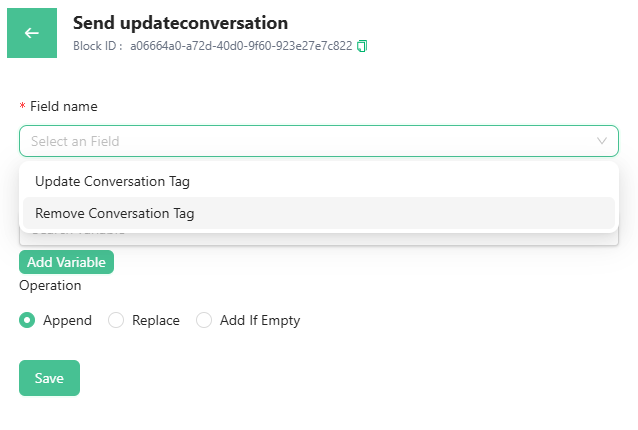
If you want to update the Conversation Tag, then you have to provide the value for the tag. You can either create the value for the tag or you can add the variables.
Under the variables, you can have Intent, Recipient Details, Contact Fields, or any custom fields as the value.
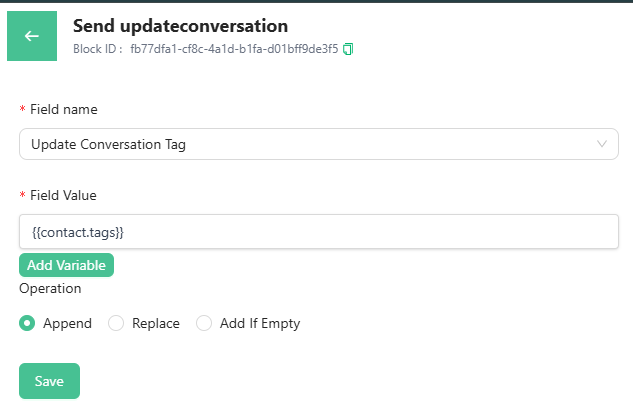
Once you are done selecting the value, you have to select the operation. You want to Append, replace, or add if empty.
-> Use Append if you want to add to the previous value.
-> Use Replace if you want to replace the previous value and add a new one.
-> Use Add if Empty if the field in a conversation has no value and you want to add.
As a last step, click on Save to update the conversation fields when a customer goes through the chat-flow.
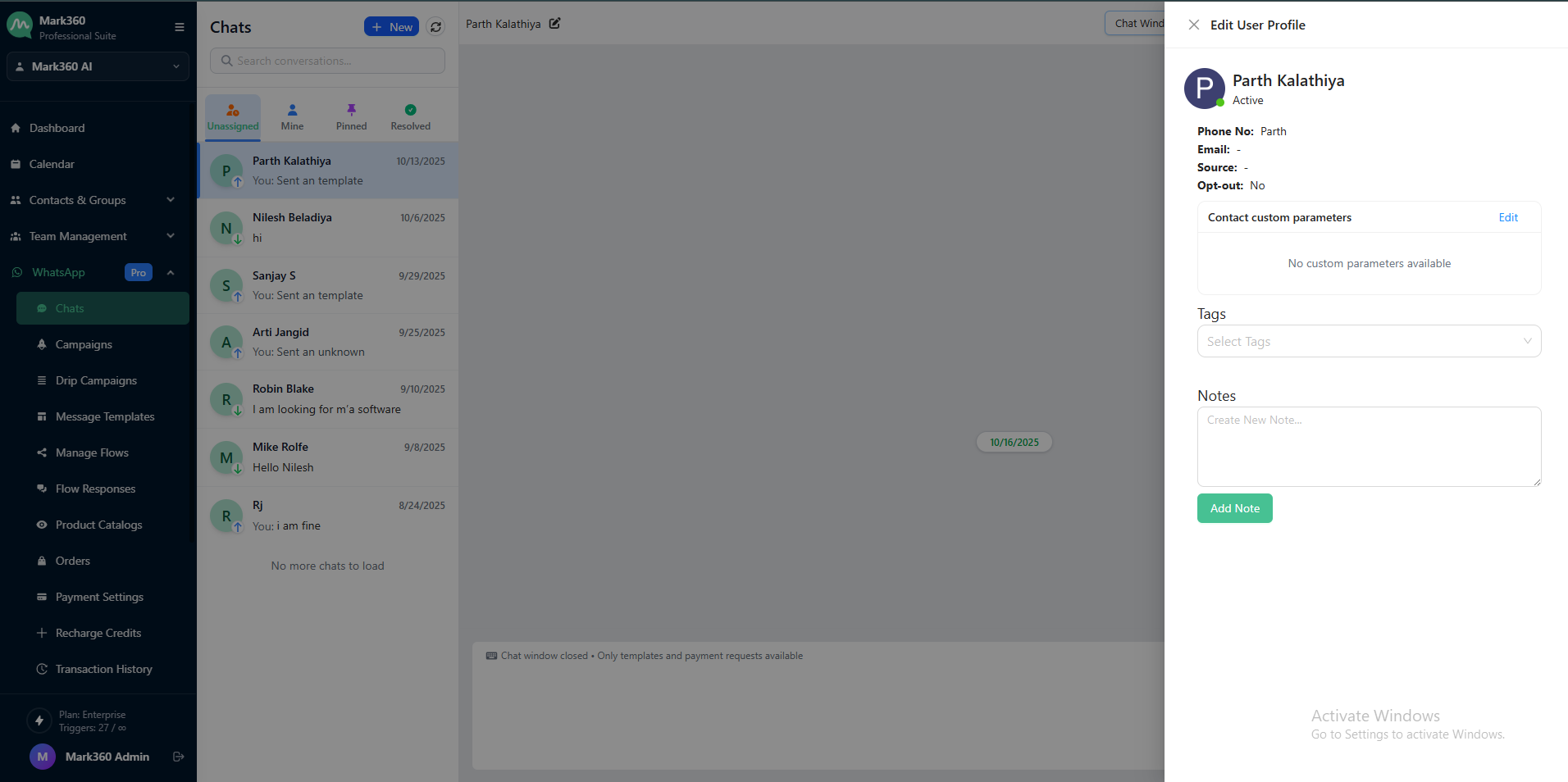
You can find the conversation tags in the conversation window.